· 123 ToDo Team · Announcements · 3 min read
Introducing Dual Skins: Simple Voice Notes & Task Manager in One
Discover 123 ToDo v3.0! Featuring a new Voice Notes skin designed for builders, contractors, and field work, with instant hands-free dictation, unassigned inbox capture, and 1-tap task conversion.
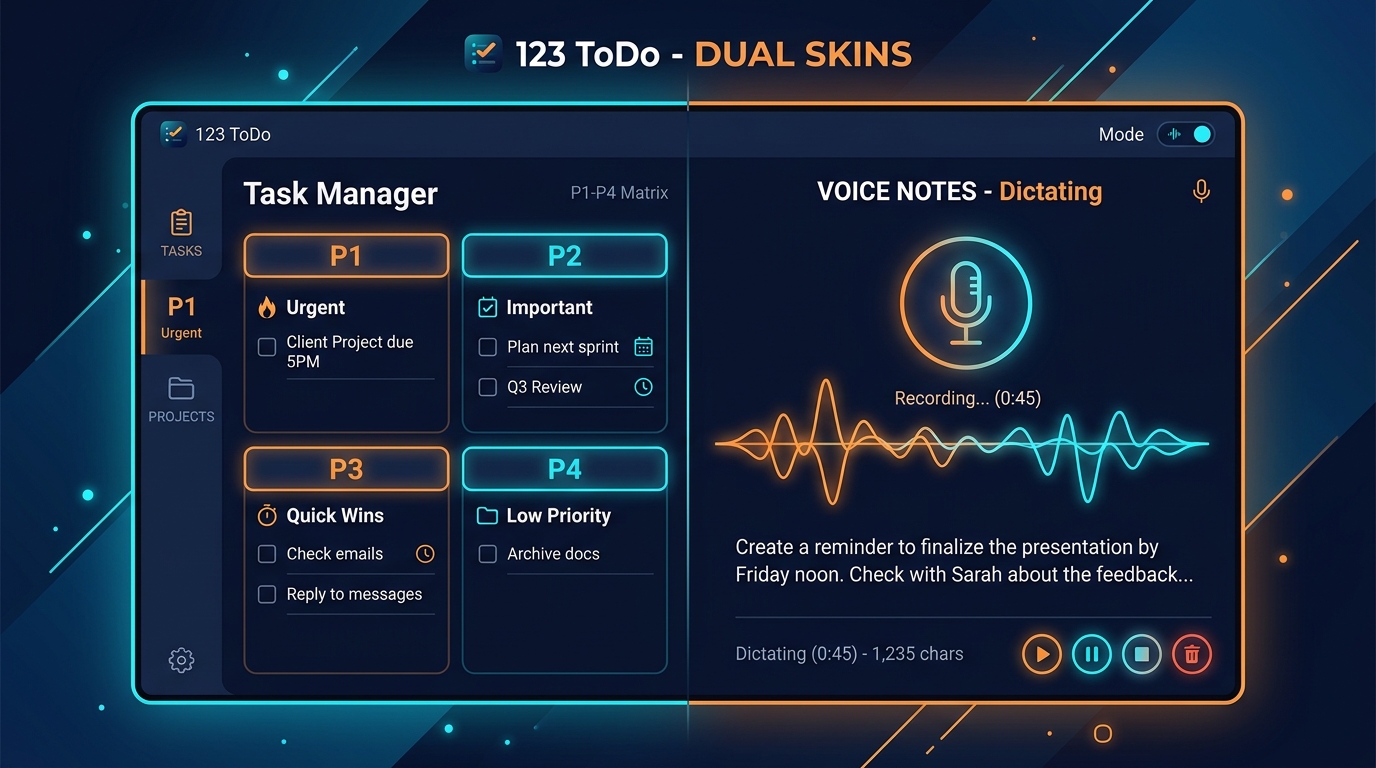
Two Skins, One Seamless System
We built 123 ToDo to help people organize their days with zero stress and total privacy. Over time, our users—especially tradespeople, builders, site managers, and busy field professionals—told us how much they love our continuous voice dictation feature. But they needed something even faster while on the job site.
When you’re wearing work gloves on a building site or moving between meetings, you don’t want to navigate priority matrices, set due dates, or assign project tags upfront. You just want to take a quick note—hands-free—and deal with organizing it later.
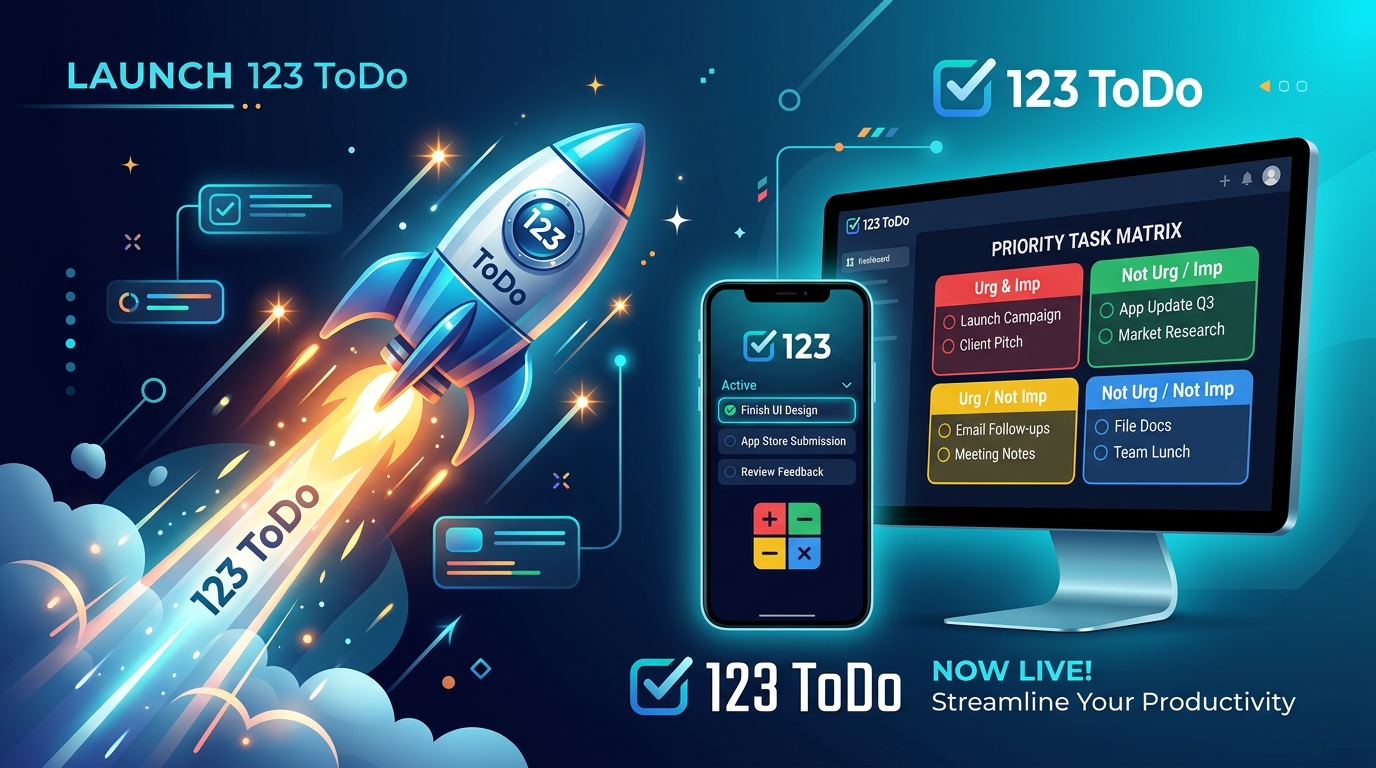
Today, we’re thrilled to launch 123 ToDo v3.0, featuring our brand-new Dual Skin Operating System!
What is Simple Voice Notes Mode?
Simple Voice Notes Mode is a high-contrast, large-text interface specifically tailored for rapid, hands-free field capture.
Key highlights of the new skin include:
1. Extra-Large Typography & High-Contrast UI
- Read your notes effortlessly in bright sunlight or on the go with 18px–20px text scaling and high-contrast card borders.
2. Instant Voice Dictation Controls & Spoken Commands
- Dictate notes naturally using the dedicated red “Talk” microphone button on the note card or the header microphone button.
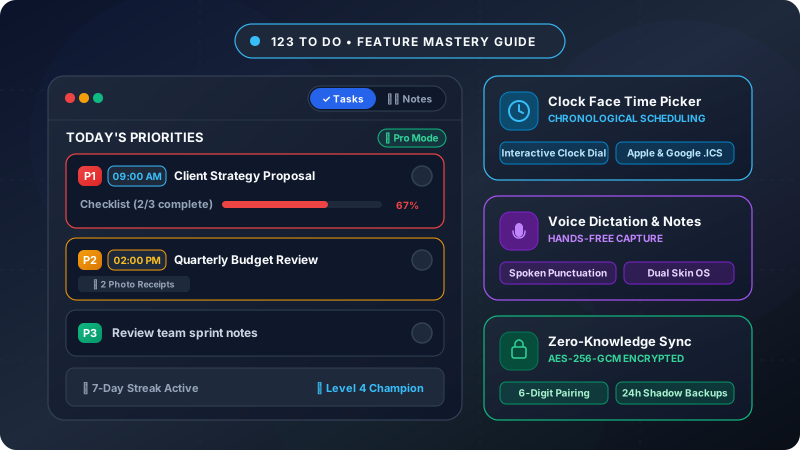
- Continuous speech recognition listens across silence pauses. Speak punctuation naturally (“full stop”, “comma”, “question mark”) with automatic capitalization and live voice editing (“scratch that”, “delete last word”).
- Say “Save Note”, “Add Note”, or “Add Task” to submit your entry hands-free and immediately keep speaking for the next item.
3. Unassigned Inbox & Unified Task Model
- Every entry created in Simple Voice Notes Mode is stored directly as a Task within 123 ToDo’s unified data engine.
- Notes land in your Unassigned Inbox with their dictated content stored as the task text. Capture wall measurements, material reminders, site safety notes, or client calls continuously throughout the day without interrupting your flow.
4. End-of-Day Project Triage & Task Elevation
- When you return to your desk at the end of the day:
- Assign Projects: Move single or batch-selected notes into custom projects (e.g. Site A, Materials, Client B) with 1 tap.
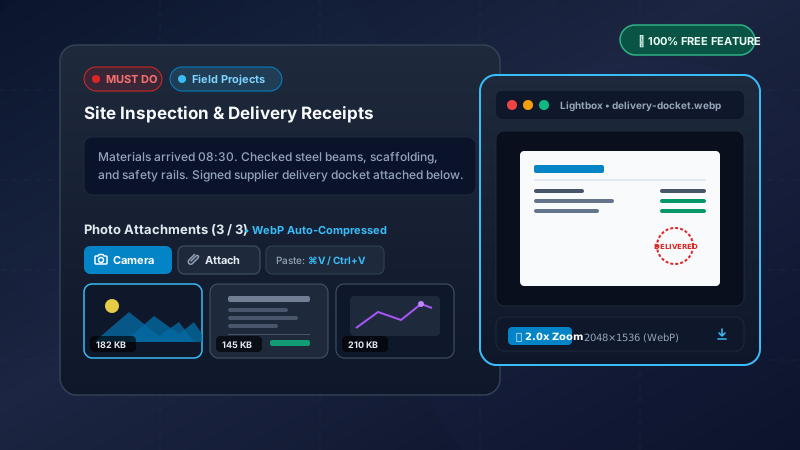
- Elevate & Add Details: Because every note is actually a full Task under the hood, you can attach detailed subnotes, add subtask checklists, set due dates, or assign priority levels (
P1 Must Do,P2 Should Do,P3 Could Do, orP4 On Hold) instantly.
Instant 1-Tap Skin Switching
You can switch between Task Manager Mode and Simple Voice Notes Mode at any time using the sleek toggle pill at the top of the header bar [ 📋 Tasks | 🎙️ Voice Notes ].
Because all notes and tasks live in the same unified dataset, switching views is instantaneous:
- A note created on site in Voice Notes Mode appears in Task Manager Mode as an actionable task ready for priority tagging.
- A task created in Task Manager Mode displays cleanly in Notes Mode.
100% Private & Fully Synced
Just like every feature in 123 ToDo, your data remains 100% private.
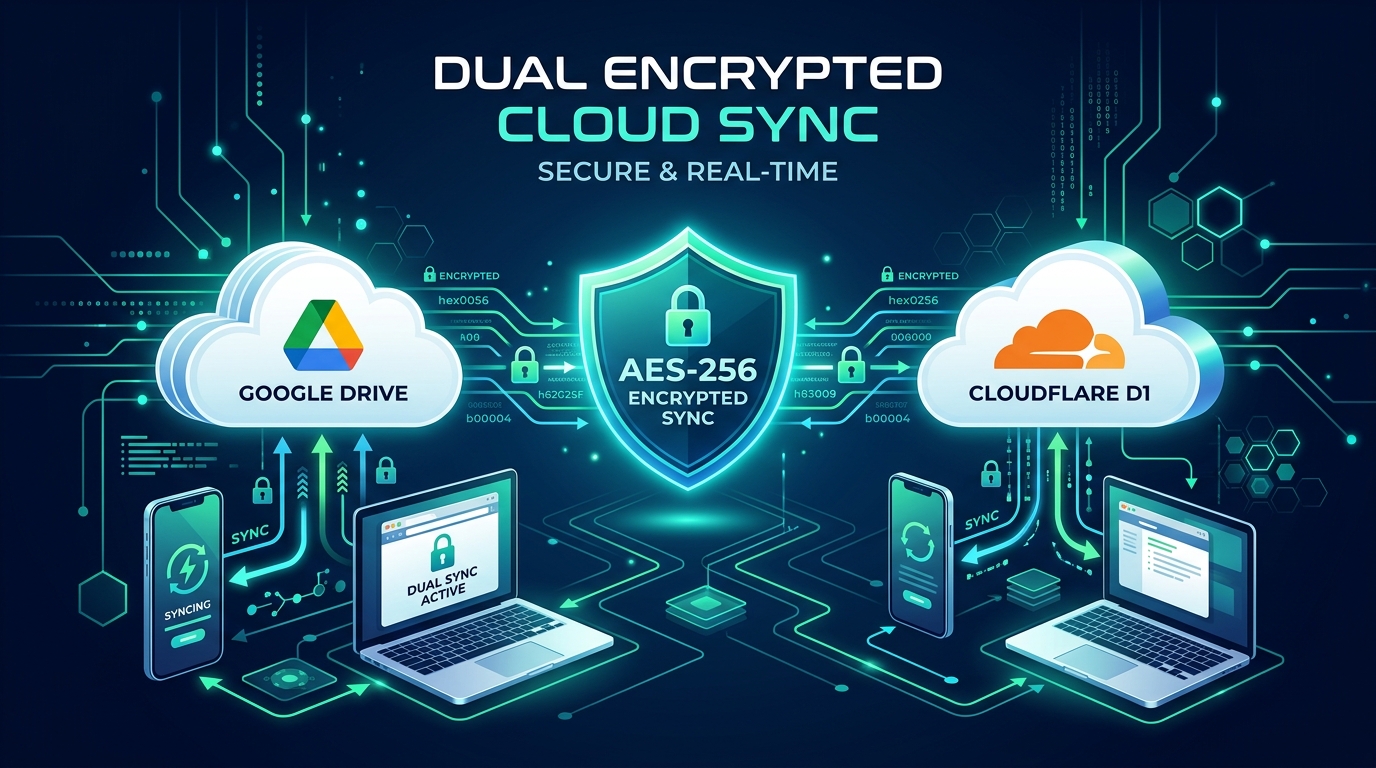
Whether you use our Set & Forget Cloudflare Cloud Sync or Google Drive Sync, all notes and tasks are encrypted on your device using AES-256-GCM Zero-Knowledge Encryption before leaving your browser.
Try 123 ToDo v3.0 Today!
123 ToDo v3.0 is live right now and completely FREE to use on all your devices.
👉 Open the app now at app.123todo.com and try out the new Voice Notes Mode toggle in the header!